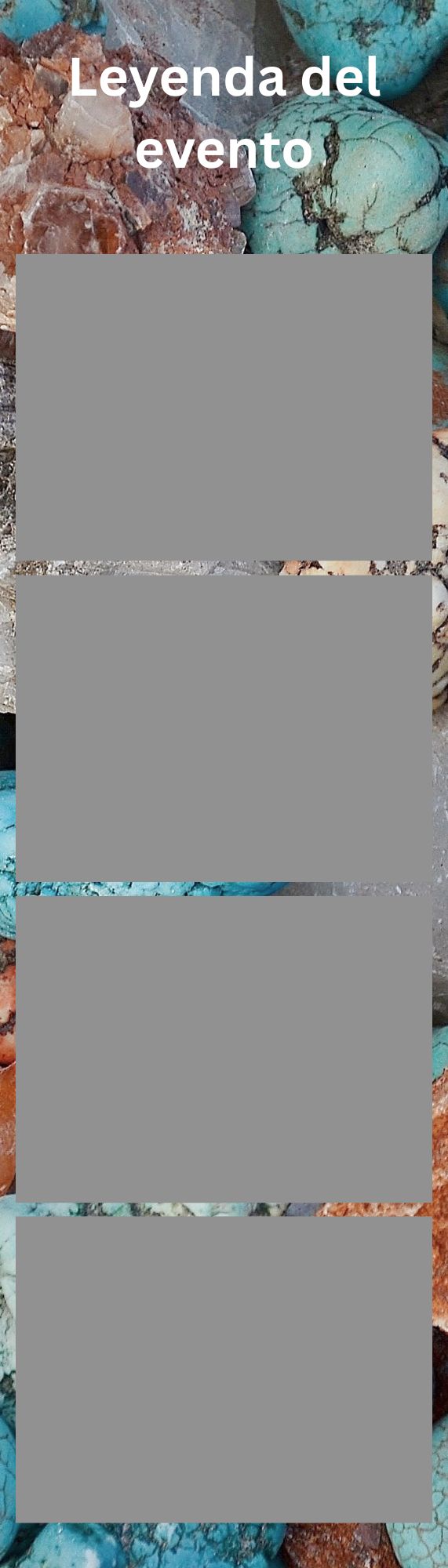
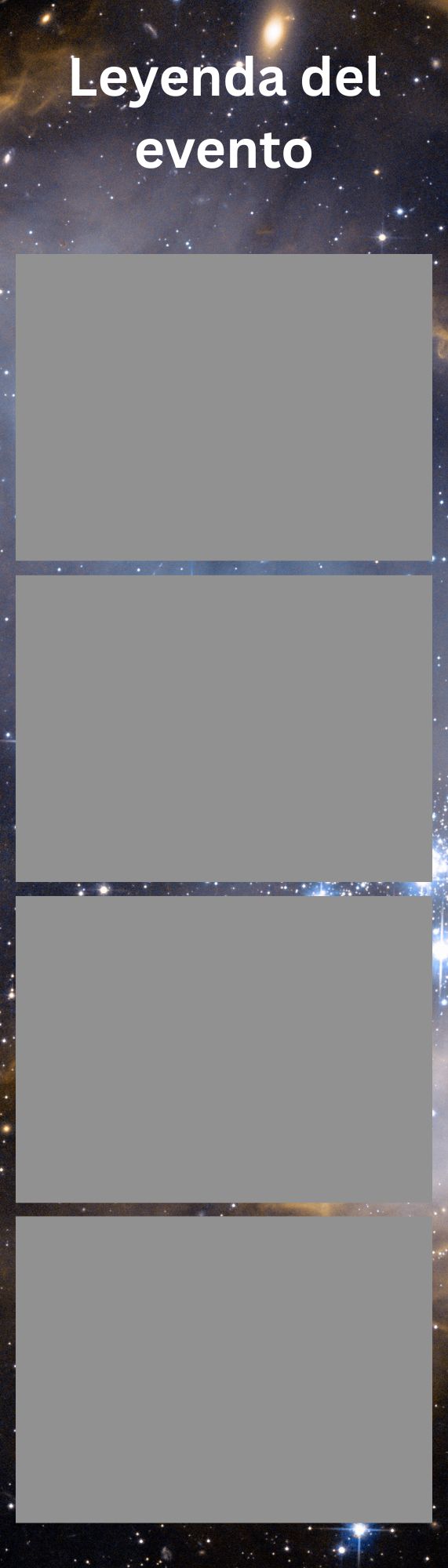
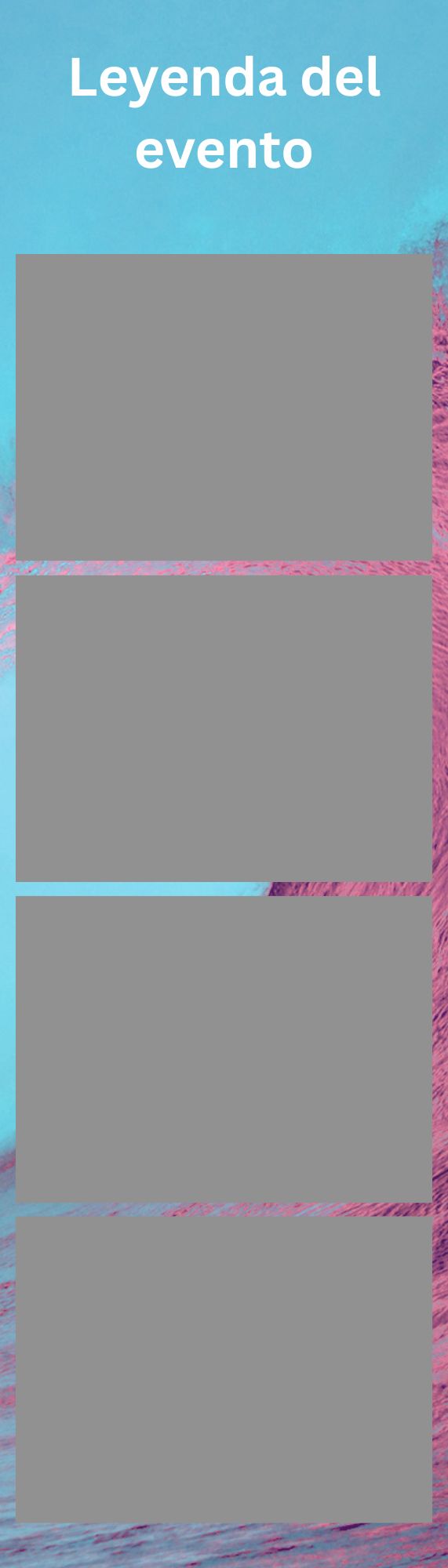
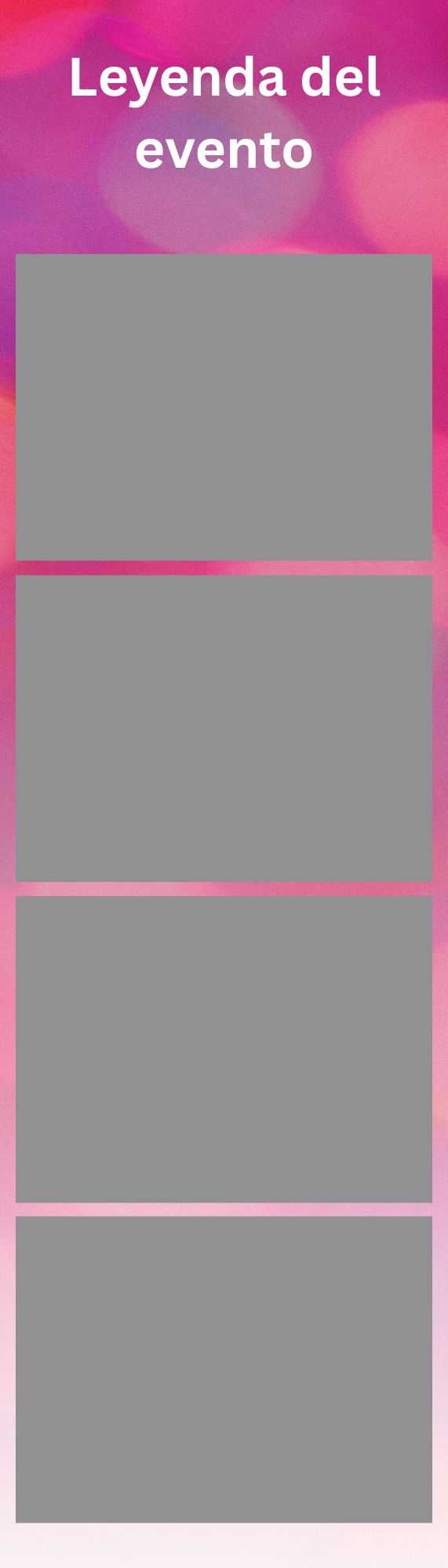
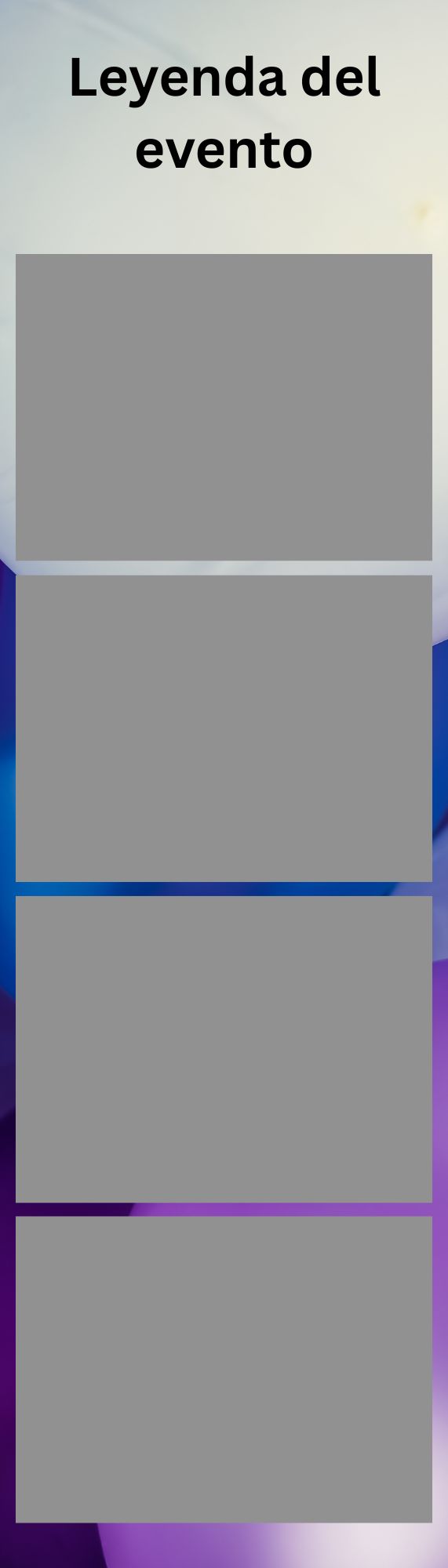
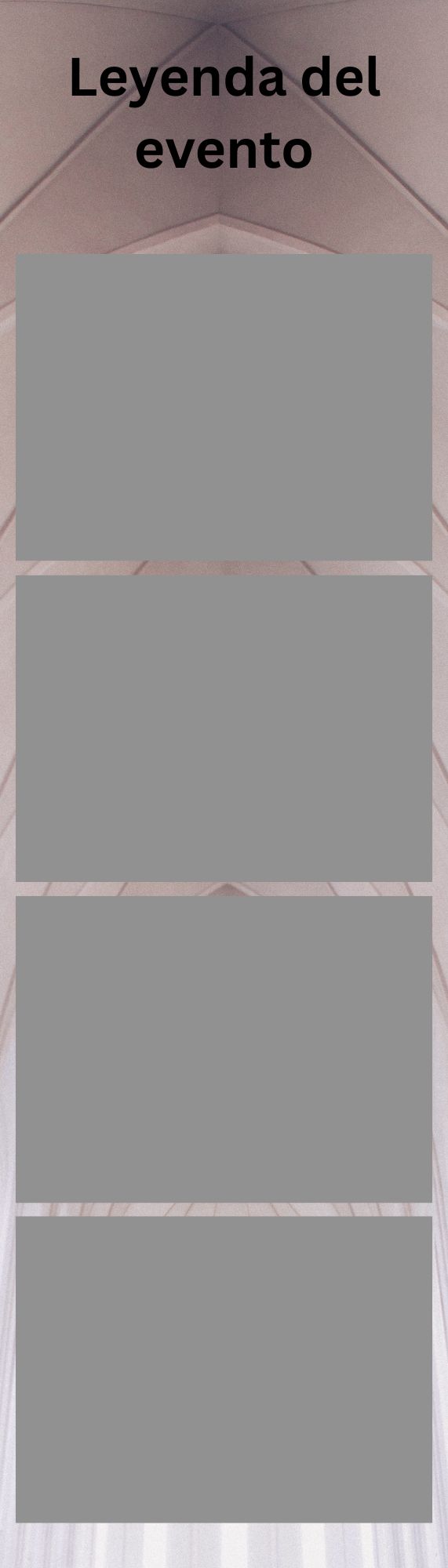
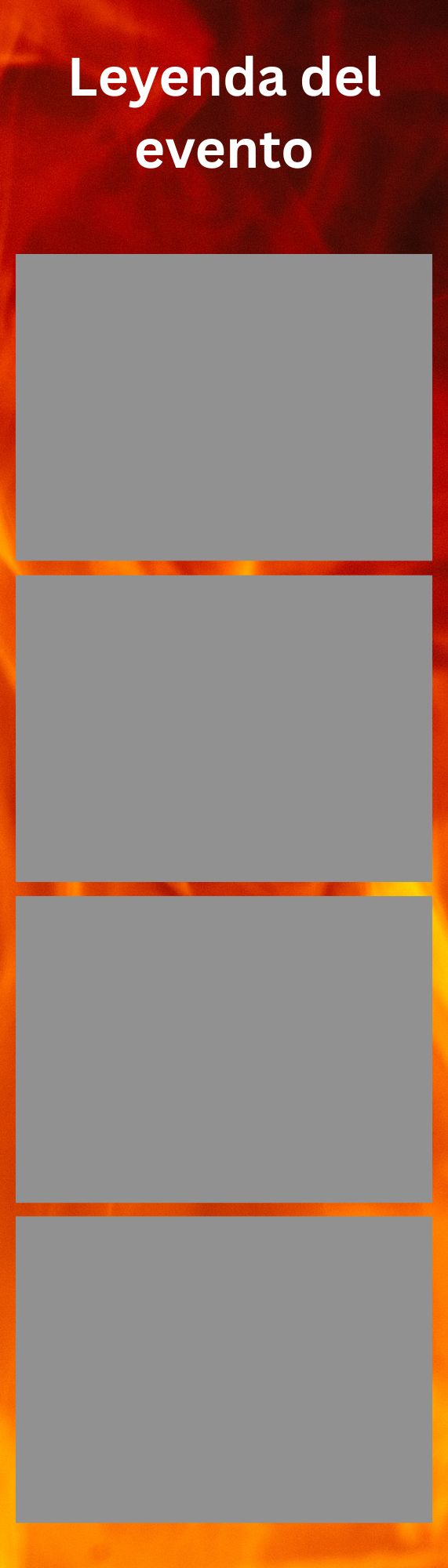
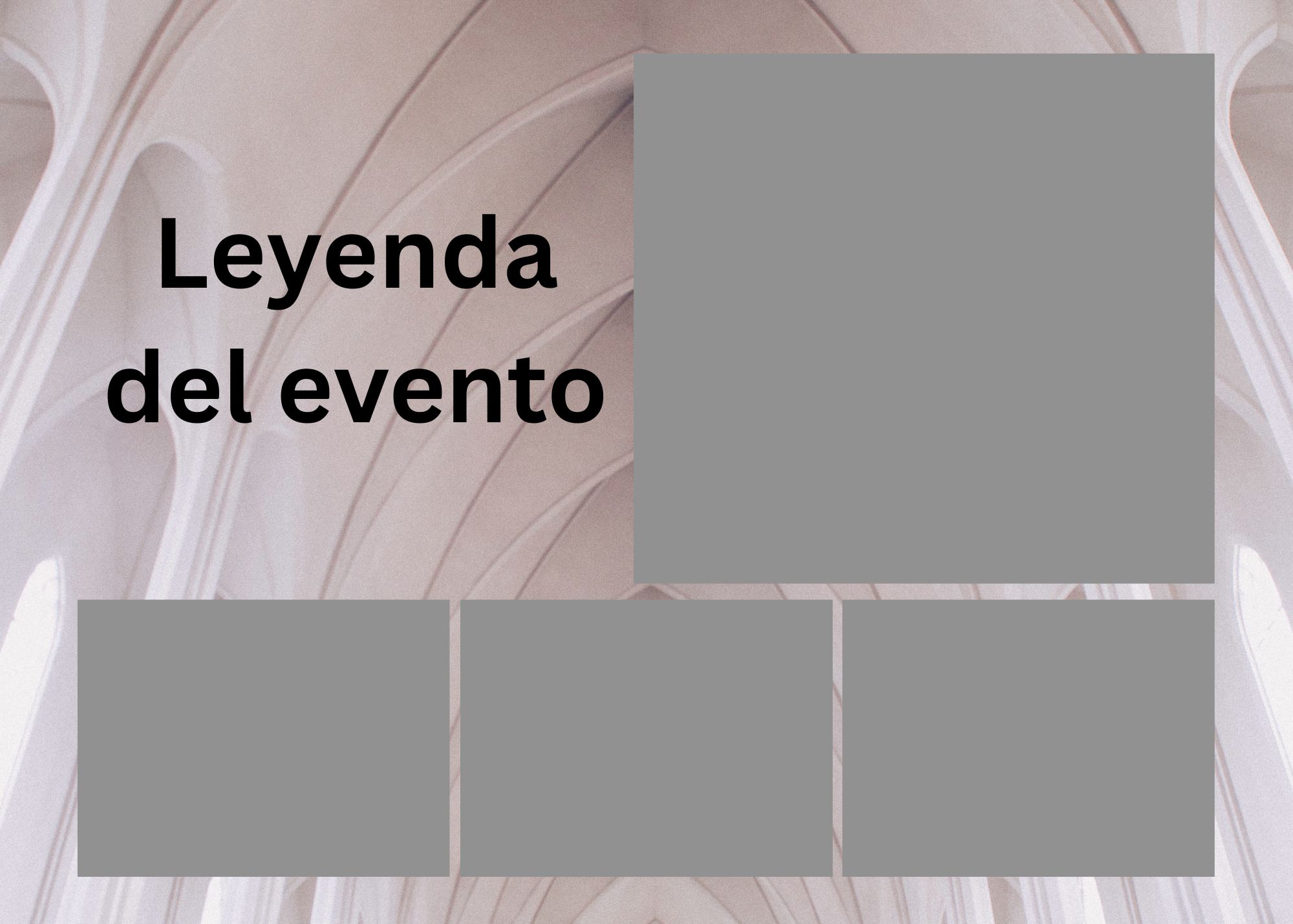
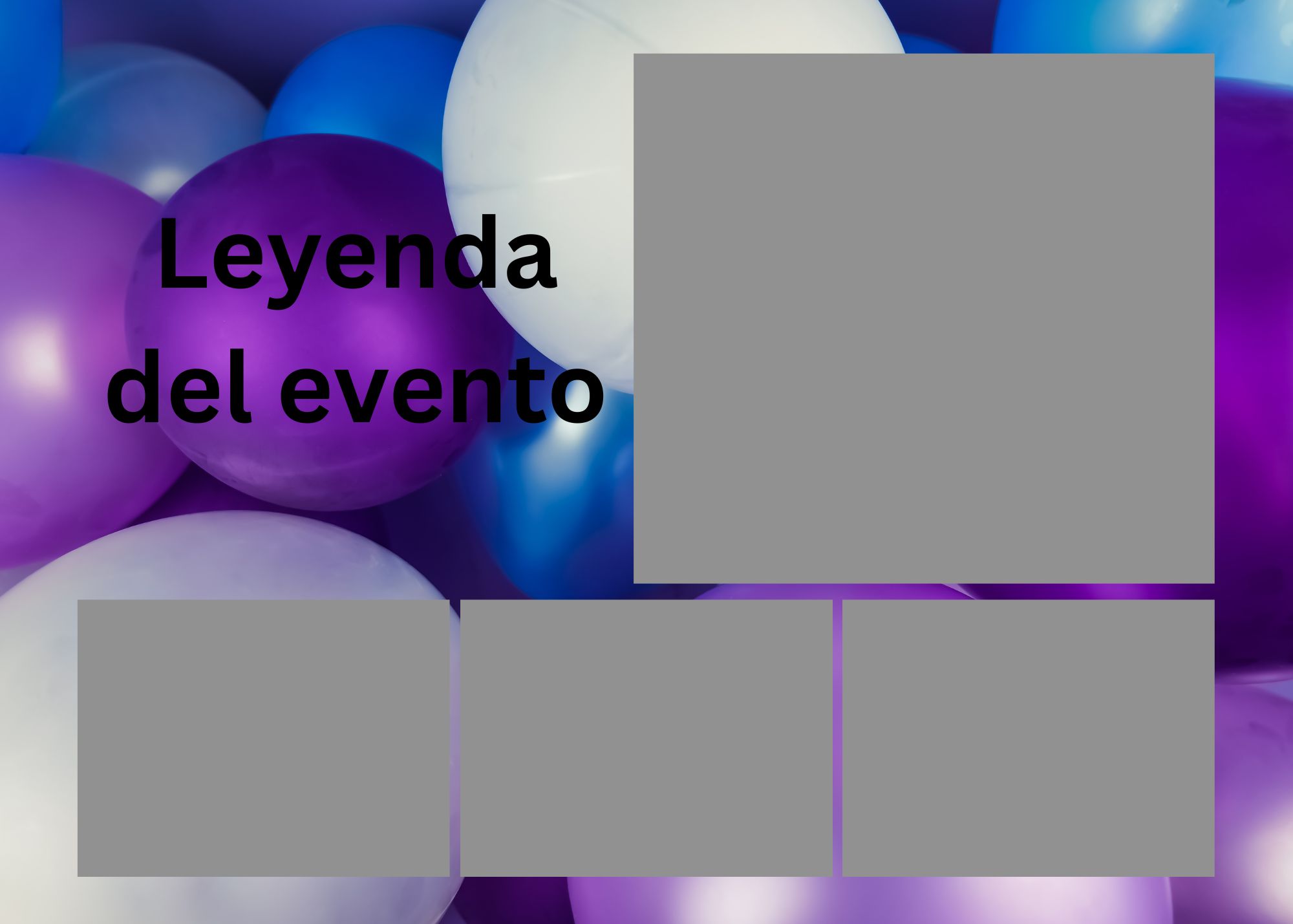
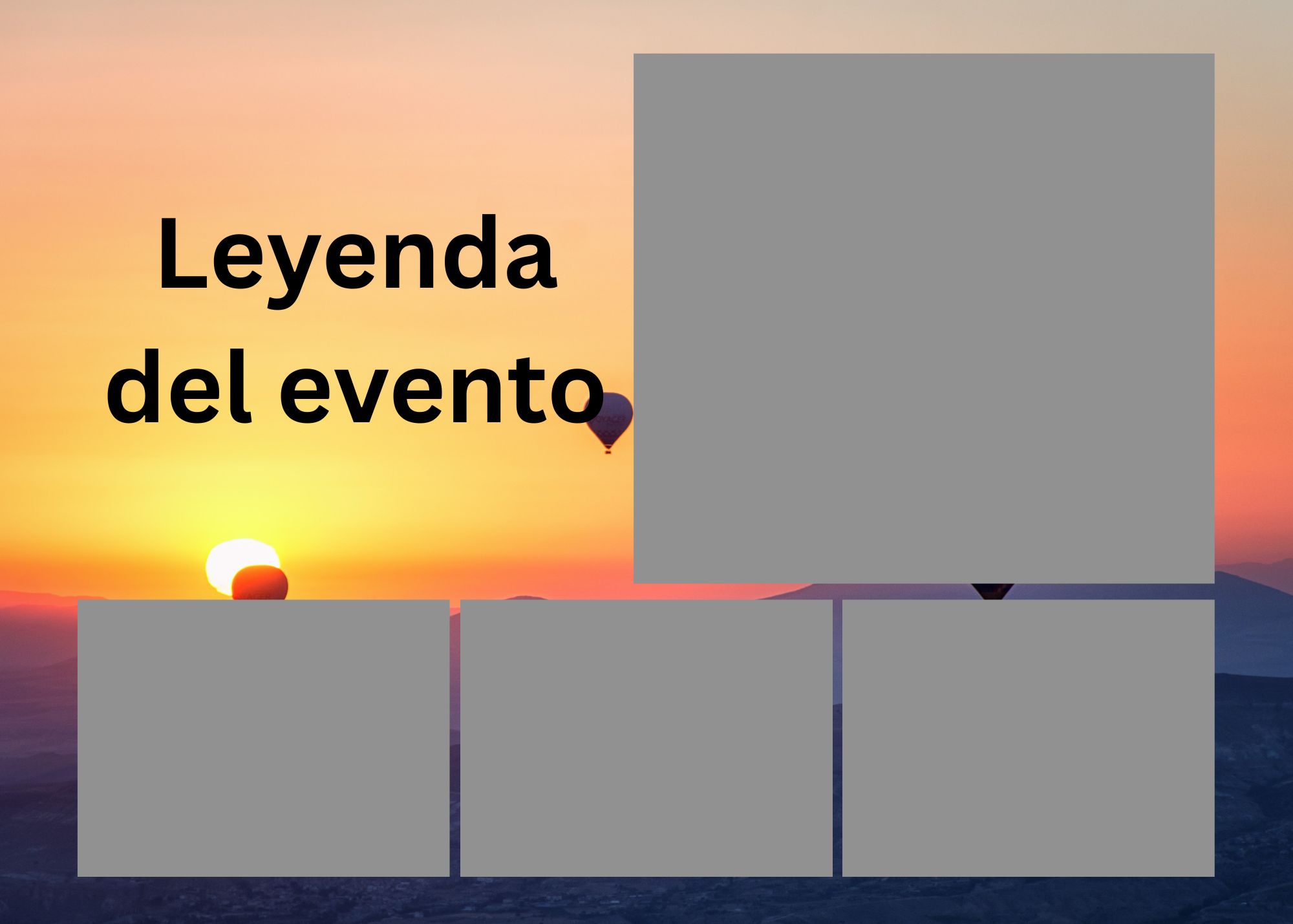
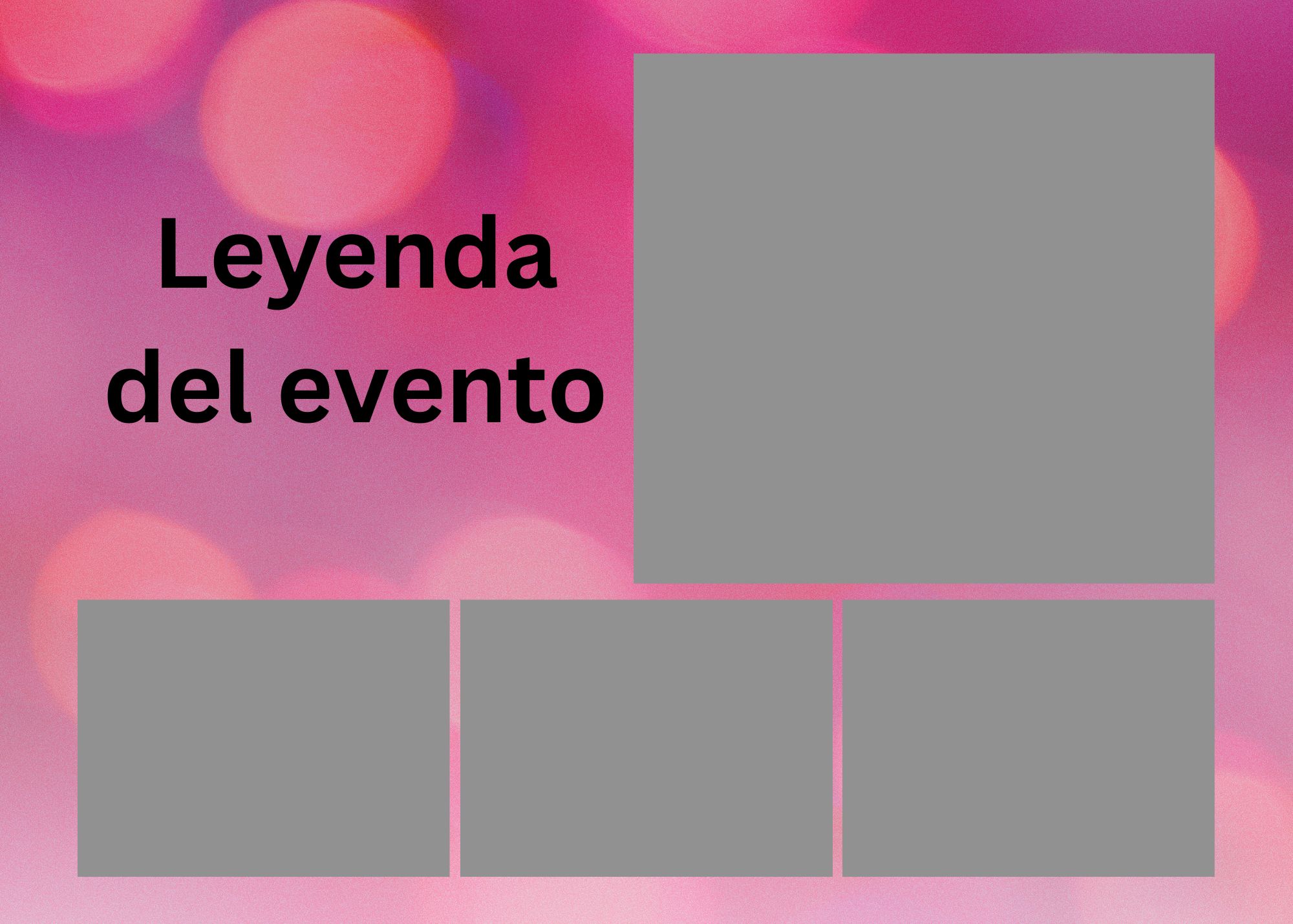
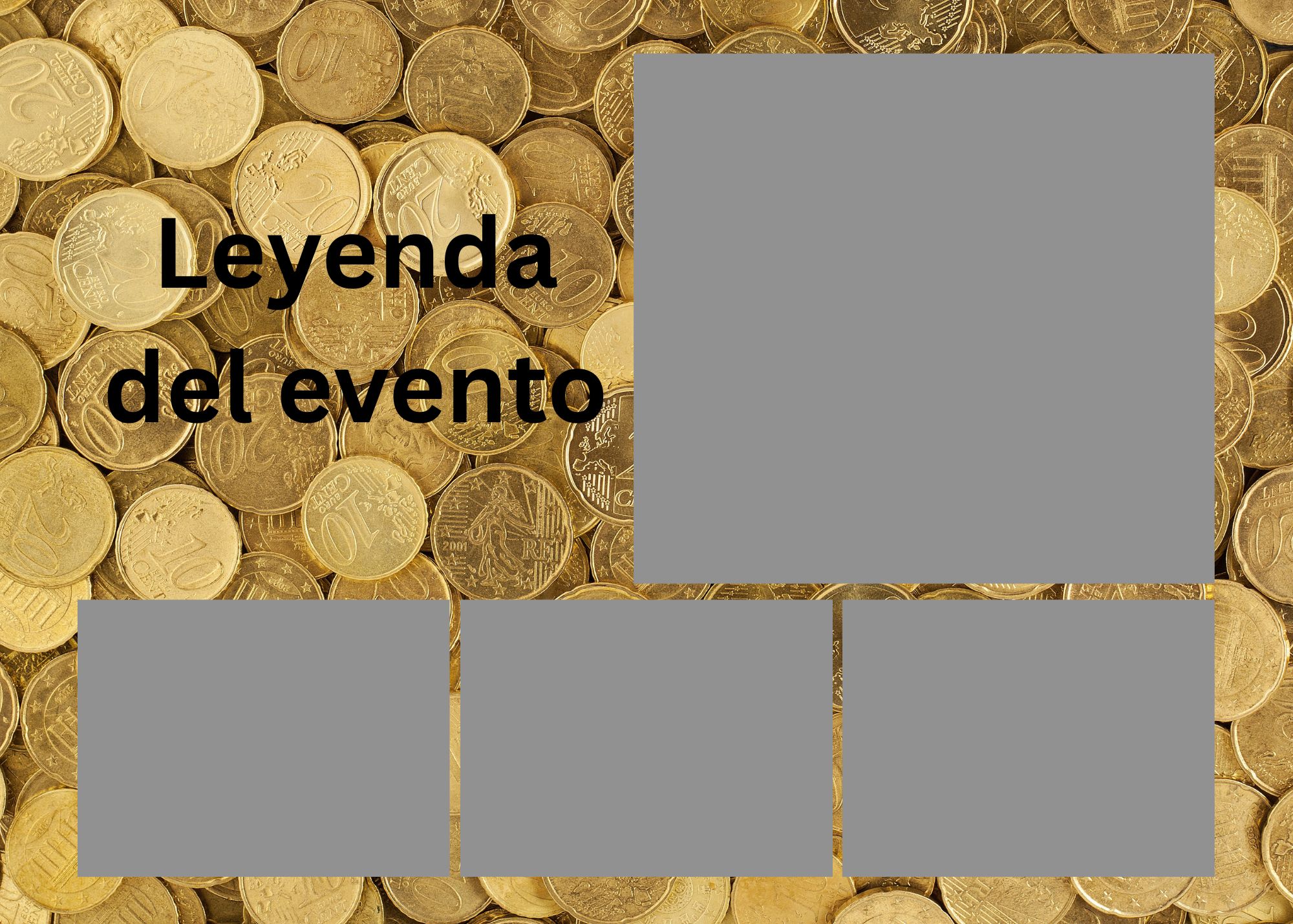
Start from one of our ready-made templates. Swap the background, personalize the text, and upload it to your event — in minutes.
Choose the Strip (2"×7") or the 5"×7" layout. Click "Open in Canva" to get your editable copy.
Change the background image, adjust colors, move the photo frames, edit the text style. Keep all 4 photo slots and the legend text.
Download as JPG. When creating your event, upload it as your collage background. Done!
Upload 2+ backgrounds and guests choose the one they love most before their photo session.
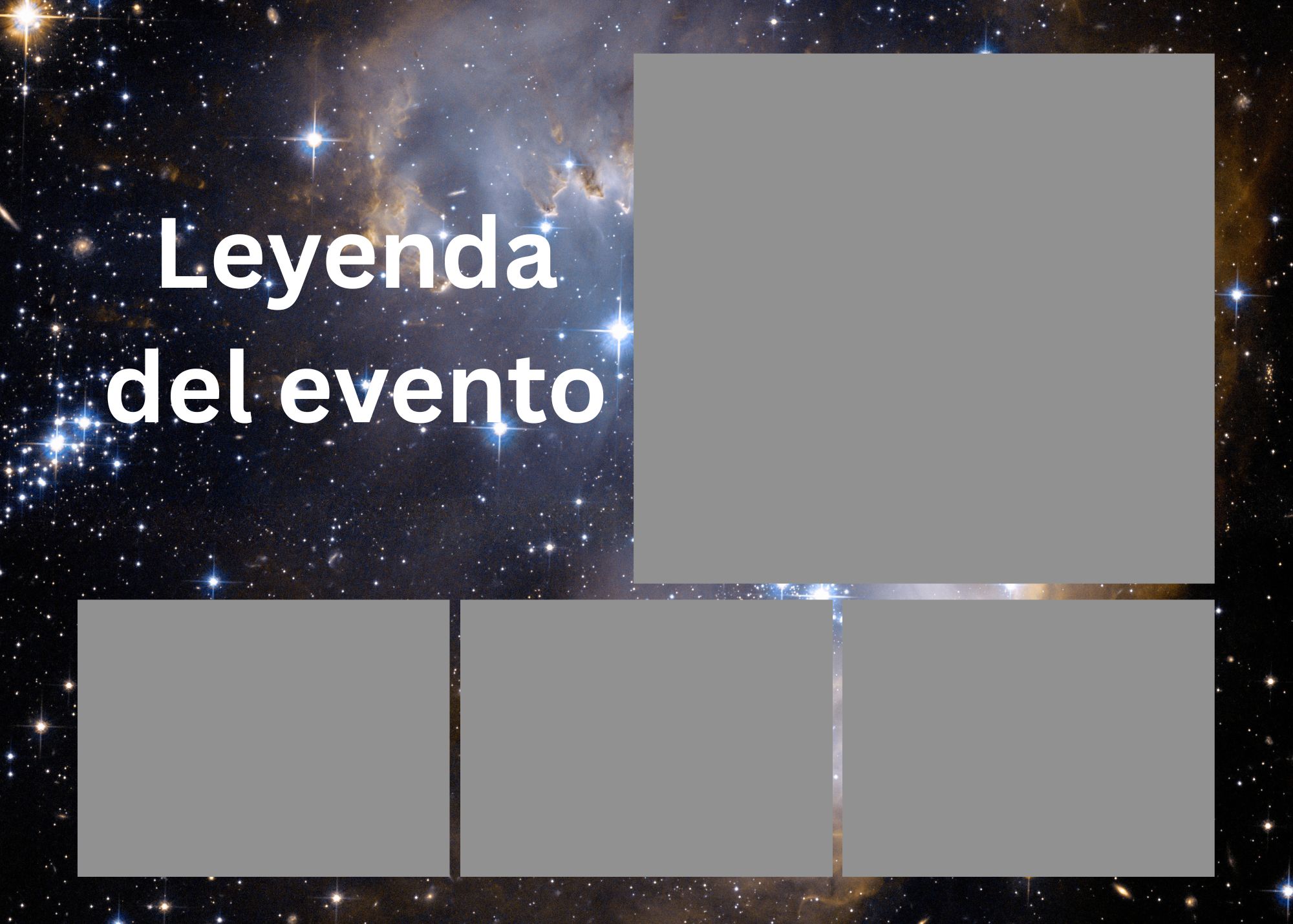
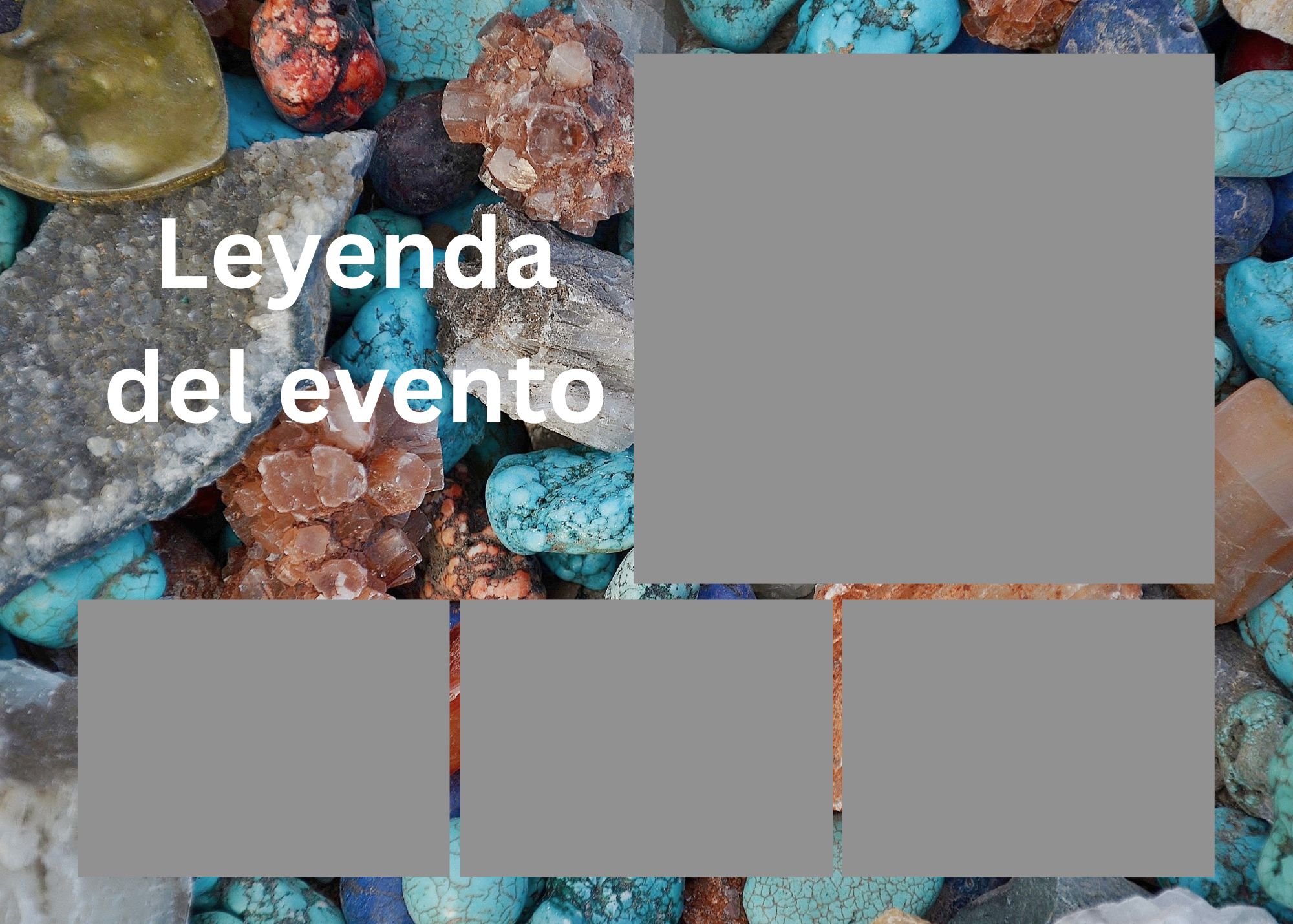
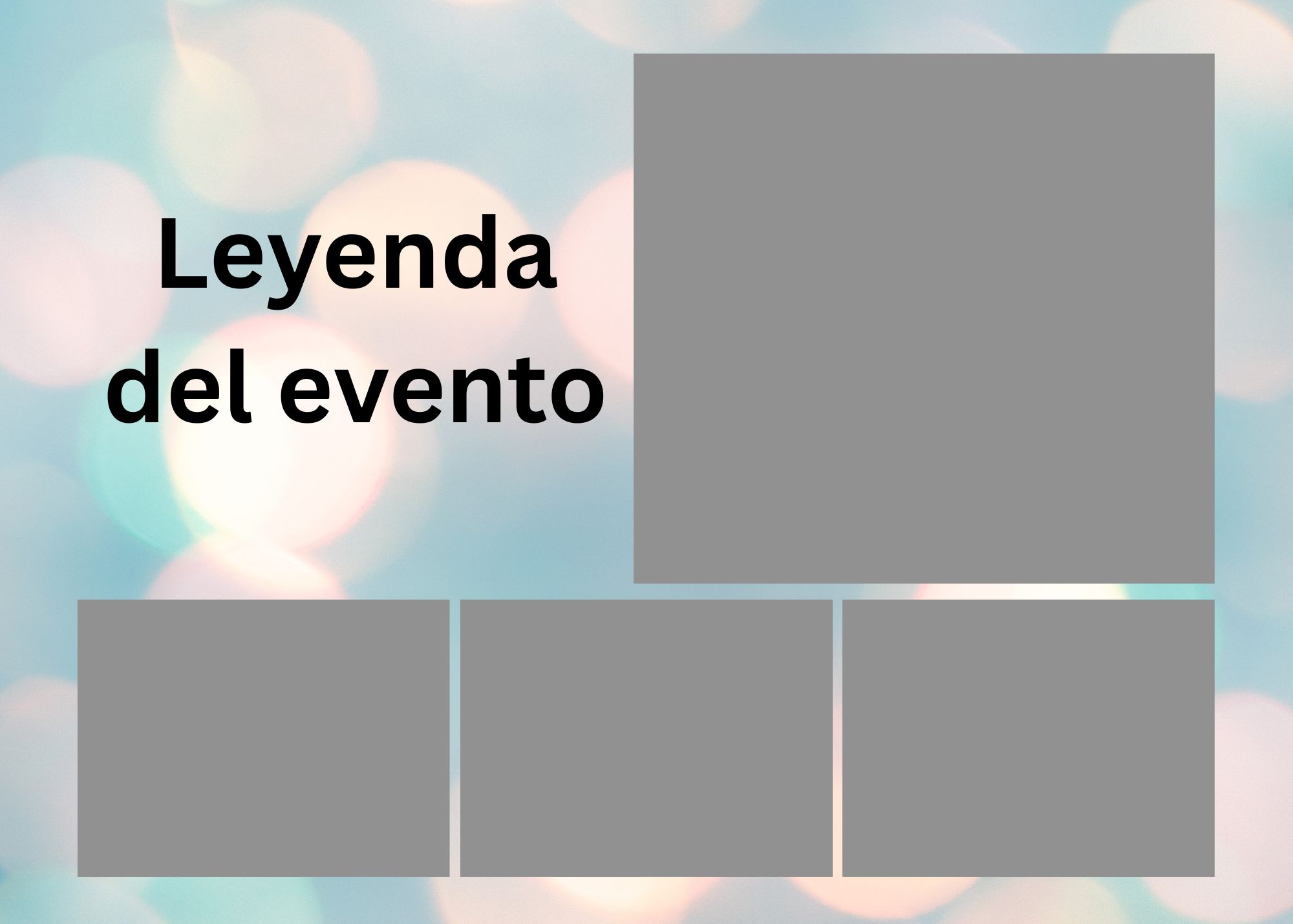
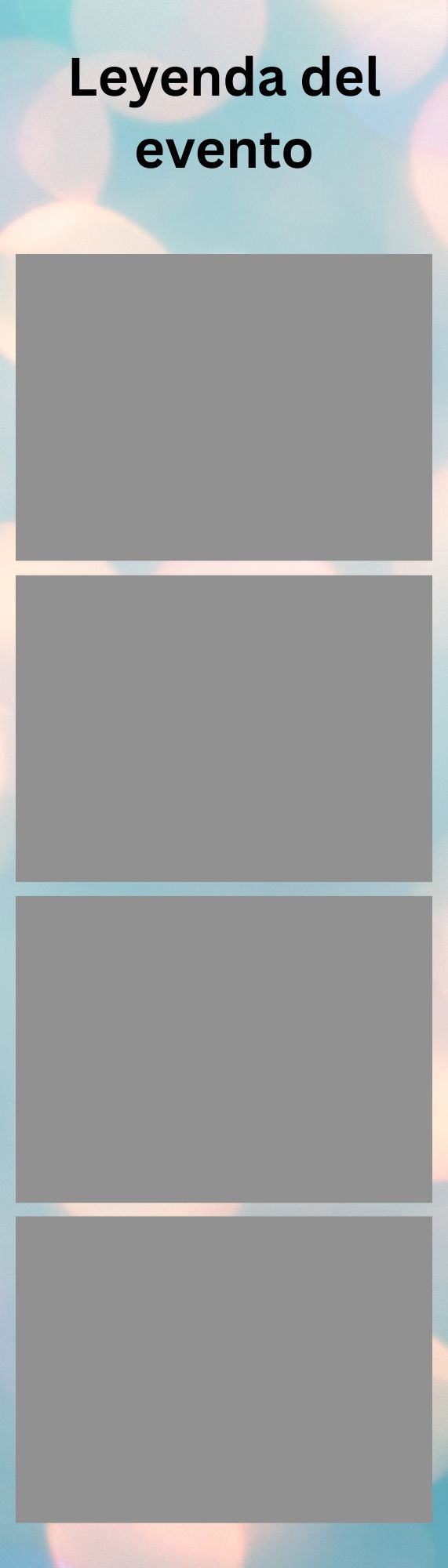
💡 Tip: The gray boxes are just reference markers. In the final collage, real selfies will fill those exact positions. Keep them where they are so the photos land in the right place.
Portrait orientation. Legend at top (~15% height). 4 equal photo slots stacked vertically.
Landscape orientation. Legend on left (38% width). 1 large photo top-right + 3 small photos bottom-right.
All templates already have the correct dimensions and photo placeholders. Just open, customize, download, and upload.
Click "Open in Canva →" on any template above. You'll be taken to Canva with a ready-to-edit copy. If you don't have an account, you can sign up for free.
Click on the background image → press Delete → click Background in the left panel to pick a new color, gradient, or upload your own photo. You can also use Canva's built-in photo library.
Double-click the "Leyenda del evento" text box. You can change the font, size, color, and alignment — but do not delete the text element itself. The app will replace this placeholder with your actual event legend at render time.
Click on any gray photo placeholder box. You can move it slightly, resize it proportionally, or add a border/shadow. Don't delete any of the 4 boxes — each one maps to one selfie taken during the photo booth session.
Use Canva's Elements library to add flowers, confetti, lines, stickers, or your event logo. Layer them behind the photo frames so they don't cover the selfies.
Click Share → Download. Choose JPG format. Make sure quality is set to the maximum. You don't need to export at 300dpi — the app handles resolution automatically.
sofia-sweet16-background.jpgGo to My Photo Booth → Create Event → Collage Background. Click "Upload Background(s)" and select your exported JPG. Upload one file for a fixed background, or multiple files to let guests choose their favorite.
Pick a template, make it yours, and set up your photo booth in minutes. Your guests will love it.